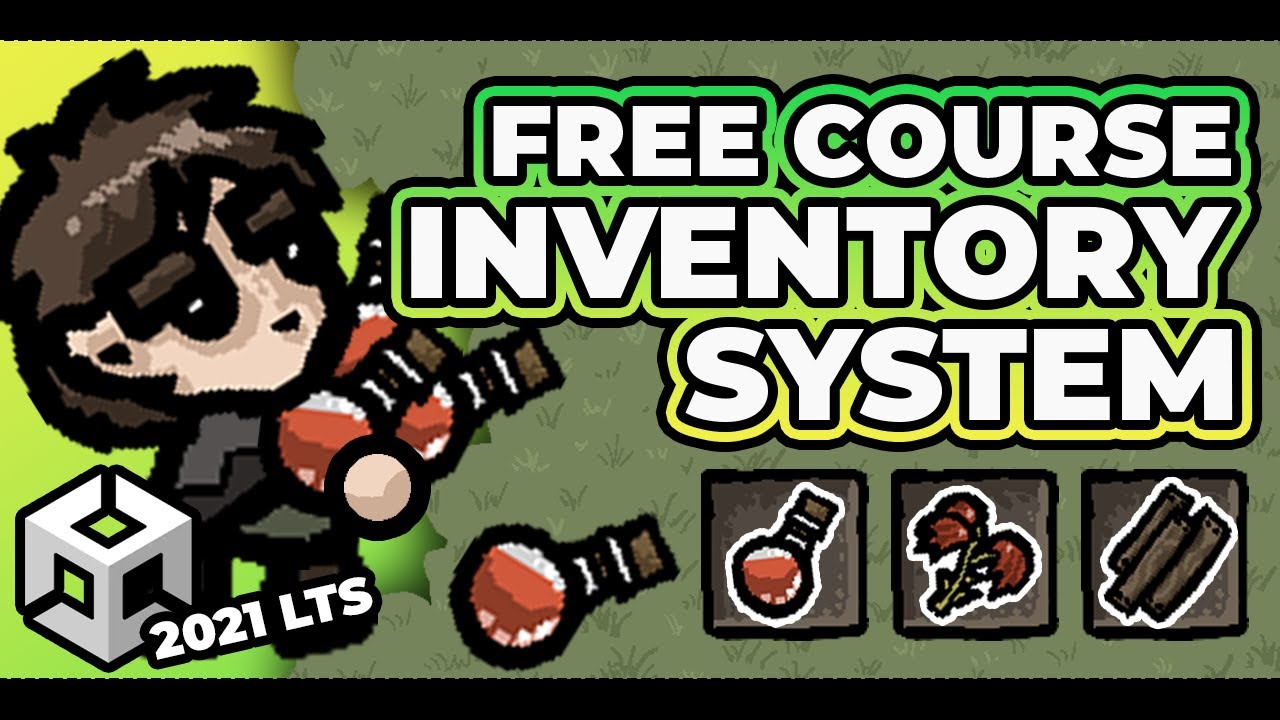
In this course long Unity tutorial we will explore how to create an inventory system. You will be able to create multiple items quickly, pick up items, drop items, generate inventory ui and many more. During the whole tutorial I will do my best to share as much knowledge, skills, tips and tricks as I can. This is definitely not ‘complete beginner’ tutorial, however I did my best to explain as much details as I can so you can follow around.
In case you have any questions or anything is unclear please feel free to join our discord.
If you would like to show me some support:
https://www.patreon.com/pitiit
If you are looking for a great community:
https://discord.gg/7fRBSsjGNW
00:00:00 What we will be creating
00:01:25 Architecture Overview
00:06:46 Where to find the code
00:07:03 Item Definition
00:13:10 Item Stack
00:19:00 Game Item Automation
00:27:50 Item Detector
00:33:09 Inventory Slot
00:41:28 Adjusting Inventory Size
00:47:00 Find Slot & Can Accept Item
00:56:42 Adding Items
01:09:10 Inventory UI - Scene Setup
01:16:19 Inventory UI - Script
01:22:52 Inventory UI - Showing state on init
01:35:00 Inventory UI - Reacting to the event
01:36:45 Has Item & Remove
01:52:12 Inventory UI - Active Indicator
02:01:03 Throwing Items
02:19:41 Final Test
02:20:16 Final Words


0 Comments